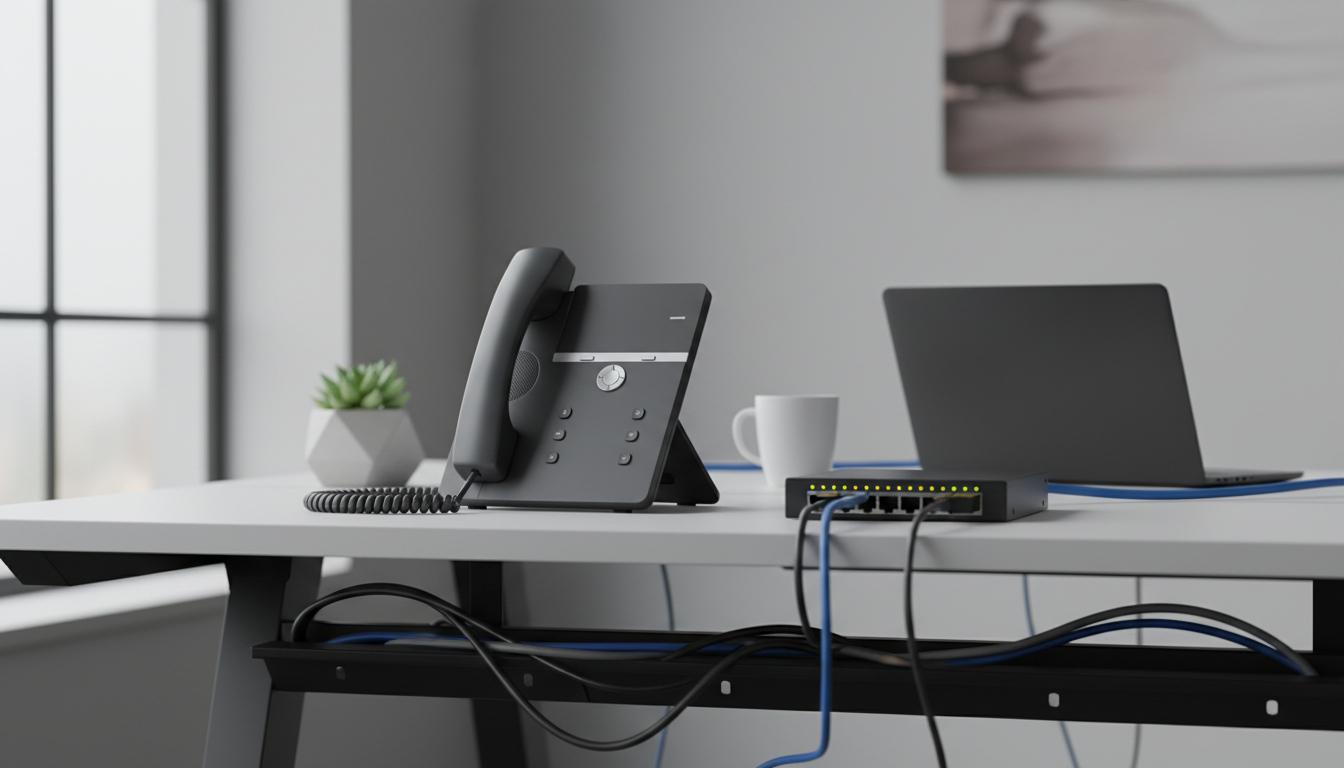
VoIP Phone: The Complete Guide to Internet-Based Calling in 2025
Traditional copper-wire phone networks carry a structural cost problem: physical infrastructure that scales linearly with users. A VoIP phone solves that by transmitting voice calls as digital data packets over an existing internet connection, eliminating dedicated phone lines entirely.
This guide covers how VoIP phones work at a technical level, the hardware specs that affect call quality, system costs, security and encryption, and how to select the right provider. Whether you’re a home user looking to cut a $60/month landline bill or an IT manager deploying phones across 200 seats, the same core technology applies with different configuration requirements.
What Is a VoIP Phone and How Does It Work?
A VoIP phone — Voice over Internet Protocol phone — is any device or application that converts analog voice signals into digital data and transmits them over an IP network rather than the public switched telephone network (PSTN). The term covers hardware desk phones, mobile apps, and desktop software clients, all operating on the same underlying protocols.
The Technical Call Flow
When you speak into a VoIP phone, here’s what happens in sequence:
- Analog-to-digital conversion: Your voice signal is sampled at 8,000 Hz for standard definition or 16,000 Hz for HD voice (wideband audio).
- Codec compression: A codec compresses the digital audio into packets. G.711 produces near-PSTN quality at 64 kbps per call; G.729 compresses to 8 kbps with a slight quality trade-off, useful on constrained connections.
- Packetization: The compressed audio is broken into small data packets, each tagged with IP header information including source, destination, and sequence number.
- Transmission via RTP: Packets travel over the internet using the Real-time Transport Protocol (RTP), which handles timing and sequencing. The Session Initiation Protocol (RFC 3261) manages call setup, modification, and teardown separately from the media stream.
- Reassembly and playback: The receiving device reassembles packets in sequence, decodes the audio, and plays it through the speaker — the entire round trip measured in milliseconds.
Core Protocols Behind VoIP
Understanding the protocol stack helps when diagnosing call quality issues:
- SIP (Session Initiation Protocol): The dominant signaling protocol for initiating and terminating calls. Most modern IP phones and business VoIP providers are SIP-based.
- RTP/RTCP: Handles real-time media delivery and quality reporting.
- STUN (Session Traversal Utilities for NAT): Allows VoIP devices behind NAT routers to discover their public IP address, which is critical for call routing.
- DHCP: Assigns IP addresses to phones automatically on the network; many IP phones support auto-provisioning via DHCP options.
- SCCP (Skinny Client Control Protocol): A Cisco-proprietary alternative to SIP, still found in legacy enterprise deployments.
An internet phone, IP phone, and cloud phone all refer to devices or services using this same protocol stack — the distinction is mainly about deployment model. A cloud phone routes calls through a hosted provider’s infrastructure rather than an on-premises PBX.
Types of VoIP Phones: Hardphones vs. Softphones and Everything In Between
The right type of VoIP phone depends on your work environment, budget, and how often users move between locations.
Hardphones (Hardware Desk Phones)
Hardphones are physical IP desk phones that connect directly to your network via Ethernet or Wi-Fi. Entry-level models handle 2–4 SIP lines with basic LCD displays; enterprise models support 16+ lines, color touchscreens, Gigabit Ethernet passthrough, and built-in Bluetooth for headset pairing.
Best for: Employees with fixed desks, reception areas, conference rooms, and roles where a physical phone is expected.
Trade-off: Hardware cost runs $50–$400+ per device, and physical phones require provisioning and occasional firmware maintenance.
Softphones (Software Clients)
A softphone is an application installed on a computer, tablet, or smartphone that replicates full phone functionality through software. Users make and receive calls through a headset or device microphone. Most business VoIP providers offer proprietary softphone apps alongside SIP-compatible options like Zoiper or Linphone.
Best for: Remote workers, laptop-first teams, and businesses that want to avoid hardware costs entirely. A 20-person distributed team can deploy a full VoIP phone system with zero hardware investment.
Trade-off: Call quality depends on the host device’s CPU load and network conditions. A laptop under heavy load can introduce audio artifacts that a dedicated hardphone avoids.
Analog Telephone Adapters (ATAs)
An ATA bridges traditional analog phones to a VoIP network. You plug your existing analog handset into the ATA, which handles analog-to-digital conversion and connects to your VoIP provider via Ethernet. This lets home users and small businesses preserve existing phone hardware while switching to internet-based service.
Best for: Home users, small offices with existing analog phones, and fax line migration scenarios.
Mobile VoIP Apps
Mobile VoIP apps run on iOS or Android, using cellular data or Wi-Fi to place calls through a business VoIP account. This extends a business phone system to mobile workers without issuing separate devices. Calls appear to originate from the business number regardless of physical location.
Best for: Field sales teams, on-call staff, and businesses with a significant remote or traveling workforce.
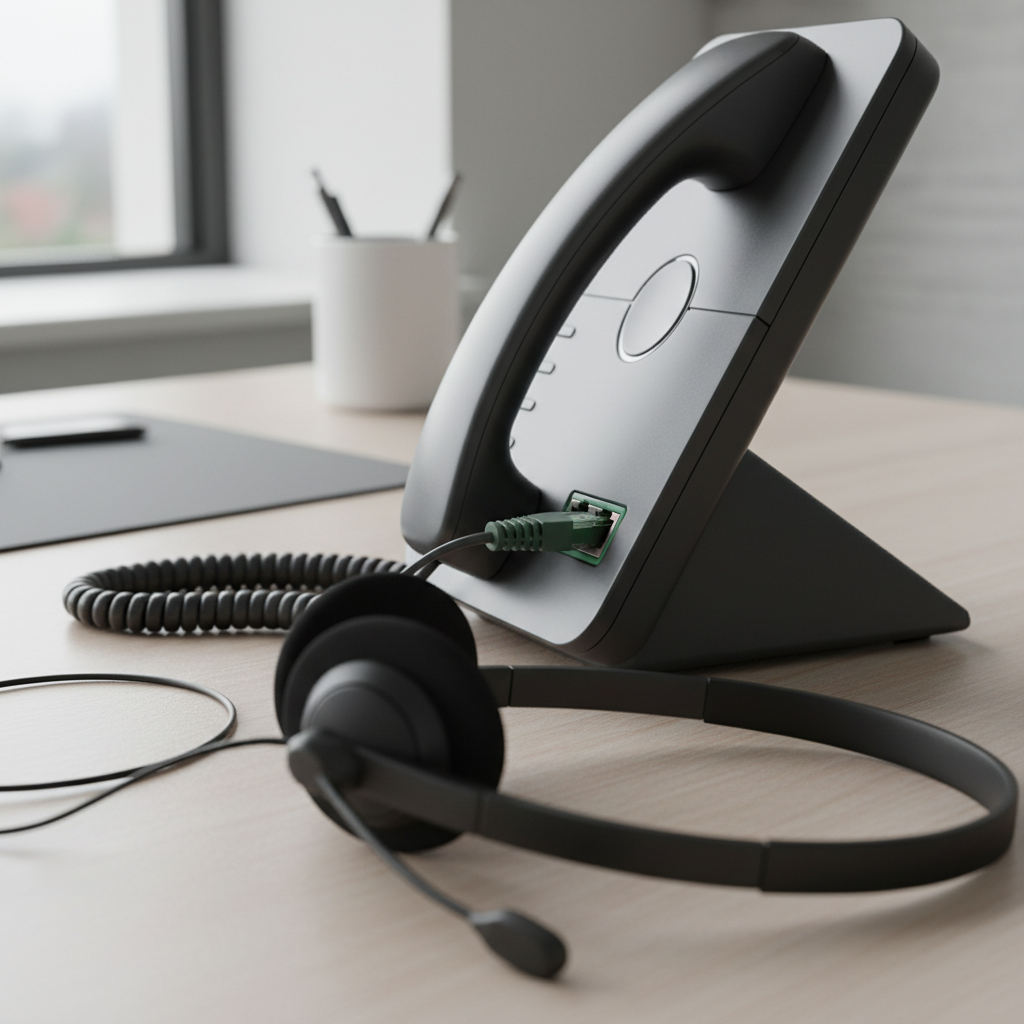
VoIP Phone Hardware Components and Technical Specifications
The specifications that determine call quality, reliability, and scalability are more granular than brand or price.
Internal Components That Drive Performance
DSP (Digital Signal Processor) chip: The DSP handles real-time audio encoding, decoding, echo cancellation, and noise reduction. Higher-end phones use dedicated DSP chips rather than sharing the main processor, which reduces latency and improves audio consistency under load. When a phone sounds “muddy” during busy periods, an underpowered DSP is often the cause.
Codec support: Check which codecs the phone supports natively. G.711 (ulaw/alaw) is standard. G.729 support matters for bandwidth-constrained sites. Opus codec support indicates a newer platform capable of HD and super-wideband audio (up to 20 kHz). G.722 delivers HD voice at 64 kbps and is worth prioritizing for conference-heavy environments.
SIP line capacity: Entry-level phones support 2–4 simultaneous SIP registrations. A receptionist handling multiple incoming lines needs 6–12 SIP lines. Enterprise reception phones support 16–48 lines with programmable keys.
External Specs and Connectivity
PoE (Power over Ethernet): PoE-capable phones draw power directly from the Ethernet switch, eliminating power adapters at each desk. This simplifies cable management and allows centralized power backup via a UPS on the switch. IEEE 802.3af delivers up to 15.4W; 802.3at (PoE+) delivers up to 30W for phones with color displays and accessories.
Gigabit Ethernet ports: Phones with dual Gigabit ports (one uplink, one PC passthrough) let you daisy-chain a workstation through the phone, reducing desk cabling to a single Ethernet drop. Phones with only 100 Mbps ports create a bottleneck if the workstation needs full gigabit throughput.
Wi-Fi and DECT: Built-in 802.11ac Wi-Fi enables cordless desk placement. DECT (Digital Enhanced Cordless Telecommunications) handsets provide interference-free wireless within 50 meters indoors, preferred in environments where Wi-Fi congestion is a concern.
Headset connectivity: Verify RJ-9 analog headset jack availability, USB headset support, and EHS (Electronic Hook Switch) compatibility for popular headset brands — this allows headsets to answer/end calls without touching the phone.
Pro tip: For deployments of 50+ phones, standardize on a single hardware model per role type (reception, standard desk, executive). Mixed hardware environments create provisioning complexity and inconsistent user experiences that add disproportionate support overhead.
Top Features of a VoIP Phone System
The hardware is only part of the equation. The VoIP phone system — whether cloud-hosted or on-premises PBX — determines which calling features are available.
Core Features Across All Tiers
Auto-attendant: Routes incoming calls based on caller input. Eliminates the need for a dedicated receptionist for basic call routing.
Call forwarding: Redirects calls to alternate numbers or devices based on rules — time of day, user status, or call source.
Voicemail-to-email: Converts voicemail messages to audio file attachments and emails them to the recipient. Reduces missed messages for workers who spend more time in email than checking a phone.
HD voice: Requires both endpoints and the carrier to support wideband codecs (G.722 or Opus). Voice frequency range expands from 300–3,400 Hz (PSTN) to 50–7,000 Hz (wideband), producing noticeably clearer audio. For a broader look at options, see our guide to business phone systems.
Number portability: Most providers support porting existing numbers from PSTN or competing VoIP carriers. The process typically takes 5–10 business days and requires a Letter of Authorization (LOA).
Business VoIP Premium Features
Call recording: Available on most business VoIP tiers above entry-level. Critical for compliance in regulated industries such as financial services and healthcare. Storage and retention policies vary by provider — confirm before assuming unlimited recording is included.
CRM integration: Connects the phone system to platforms like Salesforce, HubSpot, or Zoho. Incoming calls trigger screen pops with caller records; outbound calls are logged automatically. For a 10-person sales team, this can recover 30–45 minutes per rep per day in manual logging time.
Conference calling: Three-way calling is standard; hosted bridge conferencing supporting 25–200 participants is a premium feature. Verify per-minute or participant pricing on bridge calls before assuming it’s unlimited.
Analytics and reporting: Call volume by time of day, average handle time, missed call rates, and agent performance dashboards. Available on mid-tier and above plans; useful for contact center and high-volume inbound environments.
Common mistake: Businesses often select a VoIP provider based on per-seat pricing alone, then discover that call recording, analytics, or CRM integration require a more expensive tier — effectively doubling the anticipated cost. Map required features to specific plan tiers before signing.

VoIP Phone vs. Traditional Landline: Which Is Better?
The answer depends on your specific requirements. Here’s a direct comparison across the dimensions that matter most.
Comparison Table
| Criteria | VoIP Phone | Traditional Landline |
|---|---|---|
| Monthly cost (5 lines) | $75–$150 | $150–$300+ |
| Call quality | HD voice possible; dependent on internet | Consistent; limited to PSTN bandwidth |
| Reliability | Requires internet uptime; failover possible | Independent of internet; very stable |
| Scalability | Add lines in minutes via software | Requires physical line installation (days–weeks) |
| Features | Extensive (recording, CRM, analytics) | Basic (hold, transfer, voicemail) |
| Portability | Use from any location with internet | Fixed to physical location |
| E911 service | Available; requires address registration | Automatic location detection |
| Setup time | Hours to days | Days to weeks |
| Hardware cost | $0 (softphone) to $400/phone | $50–$200/phone + wiring |
Reliability and Emergency Considerations
VoIP’s primary vulnerability is internet dependency. A 30-minute internet outage equals 30 minutes of phone downtime unless failover routing is configured. Most business VoIP providers offer automatic failover to mobile numbers or a secondary internet connection.
The FCC’s E911 requirements mandate that VoIP providers support Enhanced 911 service, but unlike landlines, VoIP 911 calls route based on a registered address — not automatic location detection. Remote workers must update their registered address when working from a new location.
Decision Framework
- Reliable broadband (25+ Mbps) and need for advanced features at lower cost → VoIP
- Unreliable internet and guaranteed uptime required → Landline or VoIP with LTE failover
- Home user spending more than $40/month on landline service → Residential VoIP typically costs $15–$25/month
- Scaling from 5 to 50 employees within 18 months → Cloud-based VoIP eliminates the infrastructure bottleneck of adding PSTN lines
For most businesses with stable internet, the feature gap and cost difference make VoIP the practical default. Traditional landline service remains relevant primarily in environments with unreliable broadband or strict regulatory requirements for PSTN connectivity.
How to Choose a VoIP Provider and Set Up Your System
Provider Evaluation Criteria
Before comparing pricing pages, establish your requirements across five dimensions:
- User count and growth trajectory: Providers price per seat; confirm per-seat pricing at your projected scale, not just current headcount.
- Required features: Map must-have features (recording, CRM integration, international calling) to specific plan tiers before evaluating cost.
- Uptime SLA: Enterprise-grade providers offer 99.999% uptime SLA (approximately 5 minutes of downtime per year). Budget providers may offer 99.9% (8.7 hours/year). For a business processing 200+ calls daily, that difference is material.
- Support model: 24/7 phone support versus business-hours email-only support matters when a phone system outage occurs at 7 AM on a Monday.
- Contract terms: Month-to-month versus annual contracts typically carry a 15–25% price difference. Annual contracts make sense once you’ve validated the provider with a 30–60 day trial.
Pro tip: Request a pilot deployment of 5 seats for 30 days before committing to a full rollout. Use that period to test call quality at peak hours, verify CRM integration behavior, and evaluate support response times with intentional test tickets.
Step-by-Step Setup Process
- Assess your internet connection: Run a VoIP quality test using tools like PingPlotter or your provider’s pre-sales test. You need less than 150ms latency, less than 1% packet loss, and sufficient upload bandwidth — approximately 100 kbps per concurrent call with G.711.
- Create your provider account: Select your plan tier, add users, and configure your main business number or initiate a port request for an existing number.
- Configure your phone system: Set up auto-attendant menus, ring groups, business hours rules, and voicemail greetings in the admin portal.
- Provision hardware or install softphones: Hardphones typically support auto-provisioning — enter the provider’s provisioning server address and the phone downloads its configuration. Softphone apps authenticate via username/password or QR code scan.
- Port existing numbers: Submit the LOA and account information to your new provider. Keep the old account active until porting completes — canceling early can cause the port to fail.
- Test before cutover: Make internal calls, external calls, test 911 (with your local PSAP if they support test calls), verify voicemail-to-email, and confirm CRM integration logging.
- Train users: Focus on daily workflows — transferring calls, checking voicemail, using the mobile app — rather than exhaustive feature documentation.
VoIP Phone Costs: What to Expect for Home and Business Use
Hardware Costs by Tier
| Phone Category | Typical Price Range | Key Specs |
|---|---|---|
| Entry-level desk phone | $50–$100 | 2–4 SIP lines, monochrome LCD, 100 Mbps Ethernet |
| Mid-range desk phone | $100–$200 | 6–8 SIP lines, color display, Gigabit Ethernet, PoE |
| Executive/conference phone | $200–$400 | 12–16 lines, color touchscreen, Bluetooth, Wi-Fi |
| Conference room speakerphone | $300–$800 | Omni-directional microphones, HD audio, USB/SIP |
| Softphone (app) | $0 | Feature-dependent on service plan |
Monthly Service Plan Pricing
Residential VoIP: $10–$30/month for unlimited domestic calling. Some providers offer metered plans at $5–$10/month for low-volume users (under 500 minutes).
Small business VoIP (per seat): $15–$35/seat/month on basic plans; $30–$55/seat/month on plans with call recording, analytics, and CRM integrations.
Enterprise VoIP: $40–$65+/seat/month with full feature sets, dedicated account management, and SLA guarantees.
Fees to Verify Before Signing
- E911 surcharge: $1–$3/month per line, often mandatory
- Number porting fee: $0–$25 per number
- International calling: Rates vary widely — verify per-minute costs for your top destination countries before signing
- Toll-free number maintenance: $5–$15/month per number plus per-minute inbound rates
- Storage fees: Call recording storage beyond included limits typically runs $0.01–$0.02/minute of recorded audio
VoIP Phone Security, Encryption, and Scalability for Business
Common VoIP Security Threats
Toll fraud: Attackers compromise SIP credentials and route high-volume international calls through your account. A single compromised extension can generate thousands of dollars in charges within hours. This is the most financially damaging VoIP threat for small businesses.
Eavesdropping: Unencrypted SIP and RTP traffic can be captured on the same network segment using packet capture tools. Without encryption, call audio is recoverable from raw network traffic.
SIP injection / registration hijacking: Attackers send malformed SIP messages to exploit vulnerabilities in SIP stacks, potentially redirecting calls or causing service disruption.
Denial of Service (DoS): Flooding a SIP server or IP phone with malformed packets disrupts call processing. More relevant to on-premises PBX deployments than hosted cloud systems.
Protective Measures
TLS for SIP signaling: Transport Layer Security encrypts the SIP signaling channel, preventing eavesdropping on call setup information and credential exchange. Verify your provider and phones both support TLS — it’s not universally enabled by default.
SRTP for media encryption: Secure Real-time Transport Protocol encrypts the actual voice audio stream. TLS without SRTP protects signaling but leaves audio exposed. Both are needed for full call privacy.
Strong authentication and rate limiting: Use complex SIP passwords (16+ characters, mixed case, numbers, symbols). Configure your provider or PBX to rate-limit failed registration attempts and alert on unusual call patterns.
VPN for remote phones: Remote workers connecting softphones or hardphones over public Wi-Fi should route VoIP traffic through a VPN. This adds 10–30ms latency but eliminates exposure on untrusted networks.
Regular firmware updates: IP phone firmware vulnerabilities are actively exploited. Establish a quarterly firmware review cycle, or use a provider that pushes firmware updates automatically. NIST Special Publication 800-58 identifies unpatched firmware as one of the most common entry points in VoIP compromises.
Scalability Advantages of Cloud VoIP
Cloud-based VoIP phone systems decouple capacity from physical infrastructure. Adding a new user requires creating an account in the admin portal and provisioning a phone — the process takes minutes, not days. A business growing from 15 to 150 employees doesn’t require new server hardware, additional PRI circuits, or an on-site PBX upgrade.
Geographic expansion follows the same pattern. Opening a new office in a different city means provisioning phones with local numbers through the same admin portal used for headquarters. Multi-site businesses can route calls between locations over the internal VoIP network at zero marginal cost, eliminating inter-office PSTN charges entirely.
Frequently Asked Questions
What is a VoIP phone and how does it work?
A VoIP phone converts your voice into digital data packets and transmits them over an internet connection using protocols like SIP and RTP. The receiving device reassembles the packets and converts them back to audio. The process happens in real time with latency typically under 150ms on a well-configured network.
What equipment do I need for a VoIP phone system?
At minimum: a broadband internet connection (at least 100 kbps upload per concurrent call), and either a hardware IP desk phone, an ATA adapter for an existing analog phone, or a softphone application on a computer or mobile device. For business deployments, a PoE-capable network switch simplifies power delivery to desk phones, and a router with QoS (Quality of Service) settings prioritizes voice traffic over other data.
Is VoIP better than a traditional landline for business?
For most businesses with reliable broadband, yes. VoIP costs less than equivalent PSTN service, scales without physical infrastructure changes, and supports features — call recording, CRM integration, analytics — that traditional landlines don’t offer. The primary trade-off is internet dependency: a landline maintains service during internet outages without failover configuration.
What is the difference between a hardphone and a softphone?
A hardphone is a physical IP desk phone — dedicated hardware with its own processor, DSP chip, and network connection. A softphone is a software application running on a computer, tablet, or smartphone. Hardphones offer consistent audio quality independent of host device load; softphones require no hardware investment and work from any device with the app installed.
How much does a VoIP phone system cost per month?
Residential service runs $10–$30/month. Small business plans range from $15–$35/seat/month for basic features to $30–$55/seat/month for plans with recording and integrations. Enterprise plans run $40–$65+/seat/month. Hardware costs are separate: softphone deployments cost nothing; hardphones run $50–$400 per device depending on tier.
Can I keep my existing phone number when switching to VoIP?
Yes. Number porting transfers your existing number from your current carrier to a VoIP provider. The process requires a Letter of Authorization and typically takes 5–10 business days. Keep your existing service active until the port completes to avoid any gap in service.
Does a VoIP phone work during a power outage or internet failure?
Not without backup systems. A power outage kills network equipment unless you have a UPS on your router and switch. An internet failure stops VoIP calls entirely unless you’ve configured failover routing to a mobile number or have a secondary LTE connection. Traditional landlines are more resilient to both scenarios.
Is VoIP phone calling secure for business use?
It can be, with proper configuration. Ensure your provider uses TLS for SIP signaling and SRTP for media encryption. Use strong, unique SIP passwords. Route VoIP traffic through a VPN on untrusted networks for remote workers. Monitor for unusual call patterns that may indicate toll fraud. Hosted cloud providers generally handle infrastructure-level security; endpoint and credential security remains the customer’s responsibility.
Conclusion
VoIP phones deliver cost reduction, feature depth, and scalability that traditional landlines can’t match at equivalent price points. The core SIP and RTP protocols have been in production deployments for over two decades, and the cloud delivery model has eliminated most of the on-premises infrastructure complexity that made early VoIP deployments difficult.
The right choice within the VoIP category depends on your situation. A home user replacing a $60/month landline needs a residential plan and an ATA or softphone. A 25-person business needs a cloud VoIP phone system with CRM integration, call recording, and a mobile app for remote staff. A 500-seat enterprise needs SLA guarantees, dedicated support, and security controls that match compliance requirements.
Use the hardware specifications, feature comparisons, and provider evaluation criteria in this guide to filter options against your actual requirements. The fundamentals — codec support, uptime SLA, encryption, and total per-seat cost including features — tell you more than any vendor’s feature checklist.